

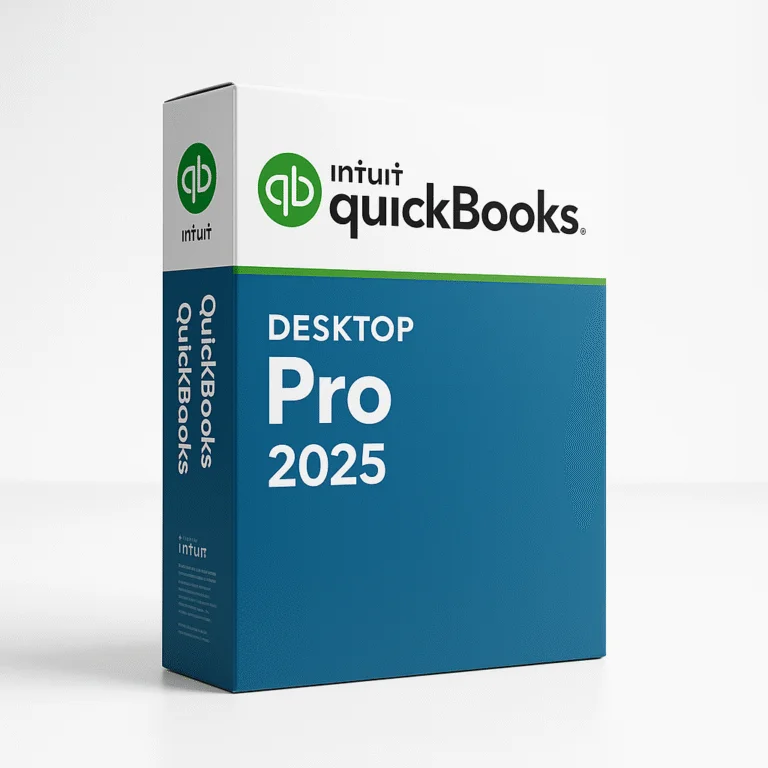


What is QuickBooks Desktop Pro 2025?
Intuit QuickBooks Desktop Pro 2025 is the latest version of Intuit’s trusted accounting software designed for small and mid-sized businesses. With new performance enhancements, improved reporting, and deeper automation, QuickBooks Pro 2025 helps business owners, bookkeepers, and accountants efficiently manage finances, inventory, payroll, invoicing, and more—all from a locally installed desktop environment.
Built for reliability, accuracy, and compliance, it’s ideal for teams who prefer working offline or need full control of their accounting data.
Key Features
| Feature | Description |
|---|---|
| Advanced Invoicing | Create professional, customizable invoices with automated reminders and batching. |
| Improved Bank Feeds | Enhanced automation and rule creation for faster reconciliation. |
| Inventory Management | Track stock levels, set reorder points, and manage COGS (Cost of Goods Sold). |
| Reporting Suite | Access 100+ reports including P&L, balance sheets, sales, and tax summaries. |
| Customer & Vendor Tracking | Organize and analyze contacts, transactions, and payment history. |
| Sales Tax Automation | Automatically calculate, track, and prepare state and local sales tax reports. |
| User Permissions & Audit Trail | Control access and track user activity to maintain data integrity. |
| Payroll (Optional Add-On) | Run payroll in-house with tax filing and direct deposit features. |
Who It’s For
-
Small business owners needing easy, local financial management
-
Bookkeepers handling multiple client files and detailed reporting
-
Accountants requiring full GL control and desktop-based performance
-
Retailers & wholesalers managing inventory and purchase orders
-
Contractors & service providers invoicing clients and tracking project costs
System Requirements
| Component | Minimum Requirements | Recommended |
|---|---|---|
| OS | Windows 10/11 (64-bit only) | Windows 11 Pro (64-bit) |
| CPU | 2.4 GHz processor | Intel i5/i7 or AMD Ryzen 5+ |
| RAM | 8 GB | 16 GB+ for multi-user or large company files |
| Disk Space | 2.5 GB free (additional for data files) | SSD with 10+ GB free |
| Display | 1280×1024 minimum | 1920×1080 or dual monitor setup |
| Internet | Required for updates, payroll, and online banking | Same |
| Office Integration | Microsoft 365 or Office 2016+ (32/64-bit) | Microsoft 365 (latest version) |
🔸 macOS Compatibility
QuickBooks Desktop Pro 2025 is not natively supported on macOS.
To use it on a Mac, users must:
-
Install Windows via Boot Camp (Intel Macs only)
-
Use virtualization software (e.g., Parallels Desktop or VMware Fusion with Windows license)
-
Use QuickBooks Online as a native alternative (cloud version)
✅ For Mac users, Intuit recommends QuickBooks Online or accessing QuickBooks Pro via a remote desktop/cloud-hosted solution.
Why Choose QuickBooks Desktop Pro 2025?
QuickBooks Desktop Pro 2025 offers a fast, stable, and powerful accounting solution for businesses that require full-featured accounting without relying on the cloud. With deep financial tools, strong reporting, and offline access, it’s ideal for those who value control, compliance, and continuity—all backed by decades of trust from Intuit.
What’s Included
-
Full installation of QuickBooks Desktop Pro 2025 (1 user license or multi-user upgrades)
-
All core features: invoicing, expense tracking, inventory, reporting
-
Free product updates for the 2025 edition lifecycle
-
Option to add Payroll, Enhanced Support, or Remote Access
-
Access to QuickBooks Tool Hub for file repair and management
Buy QuickBooks Desktop Pro 2025 Today
Whether you run a small business or manage multiple clients, QuickBooks Desktop Pro 2025 is the go-to accounting solution trusted by millions. With enhanced tools, strong local performance, and flexible reporting, it keeps your finances clean, compliant, and under control.
💼 Available now as a one-time license — get started with QuickBooks Pro 2025 today!










Reviews
Clear filtersThere are no reviews yet.